
FirstLook Skadoosh Mini HD
A practical first look at the Jadu Skadoosh Mini HD stand for iPad Mini and other small tablets, including build quality, angle adjustment, cable access, and the one iPad Mini drawback I noticed.
A practical first look at the Jadu Skadoosh Mini HD stand for iPad Mini and other small tablets, including build quality, angle adjustment, cable access, and the one iPad Mini drawback I noticed.
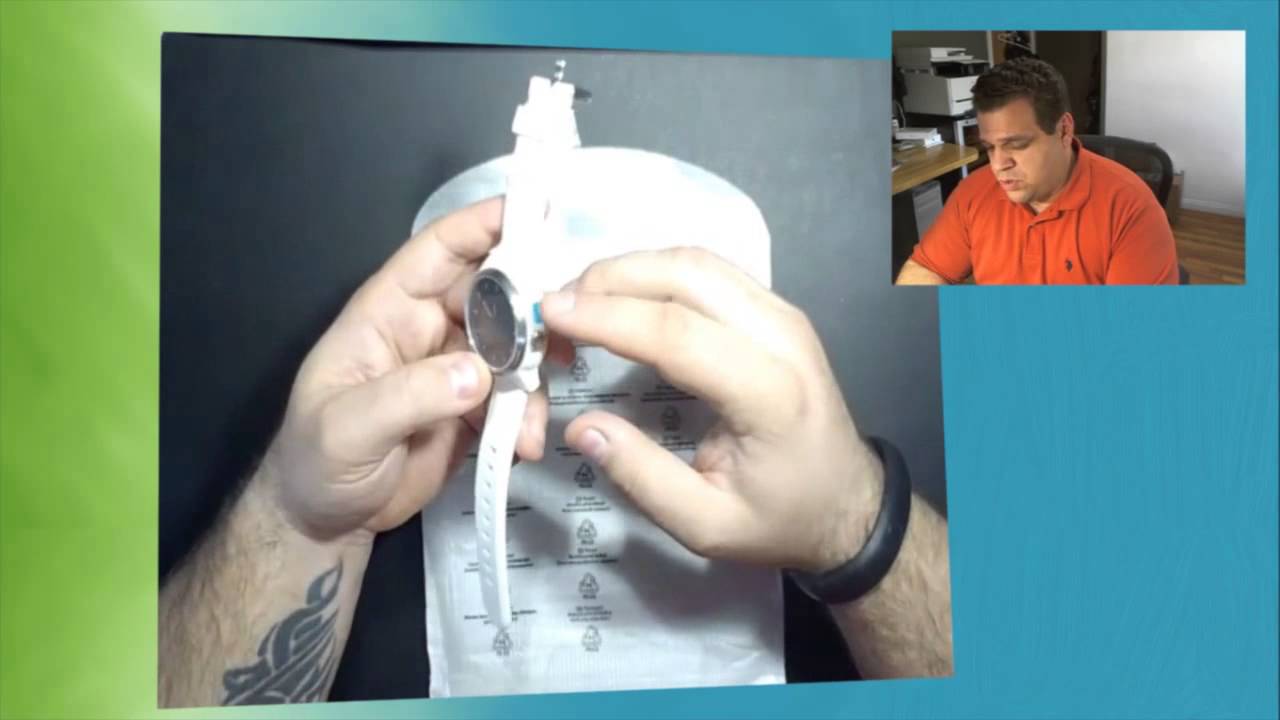
A practical first look at the Cookoo Watch, a Bluetooth notification watch for iPhone and Android, including setup, app controls, comfort, and the biggest visibility issue.

A practical look at Apple's iPad mini Smart Cover in dark gray and red, including fit, magnets, stand positions, color, price, and what changed from the older Smart Covers.

A quick practical guide to burning an ISO disk image on a Mac with OS X Disk Utility, using the built-in Burn option and an inserted CD or DVD.

A practical first look at the RHA T10i in-ear monitors, including the stainless steel build, included accessories, tuning filters, iPhone controls, cable design, and early durability observations.
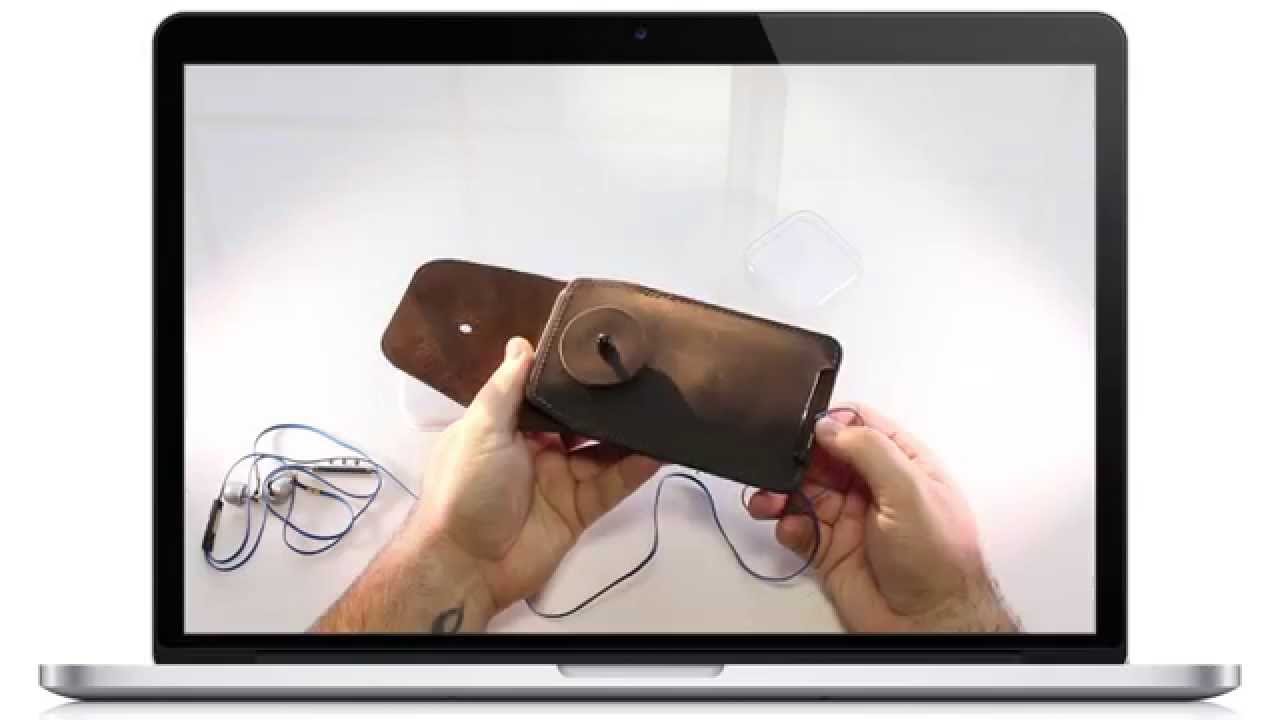
A practical first look at the WaterField Spinn case for the iPhone 6 Plus, including fit, leather quality, belt clip use, and how well the built-in earbud cord wrap works.

A practical first look at the Shoulderpod S1 smartphone rig, including how it fits the iPhone 6 Plus, how secure it feels, and what stood out during the unboxing.

My AT&T iPhone 6 Plus pre-order ran into Apple Store downtime, eligibility errors, fraud holds, duplicate payment problems, and confusing ship dates. Here is what happened and what I learned.

Gazelle can be a simple way to lock in an iPhone trade-in price before upgrading. The biggest tips are to quote early, choose the right condition, compare payment options, and unlock your iPhone if Gazelle offers more for unlocked devices.
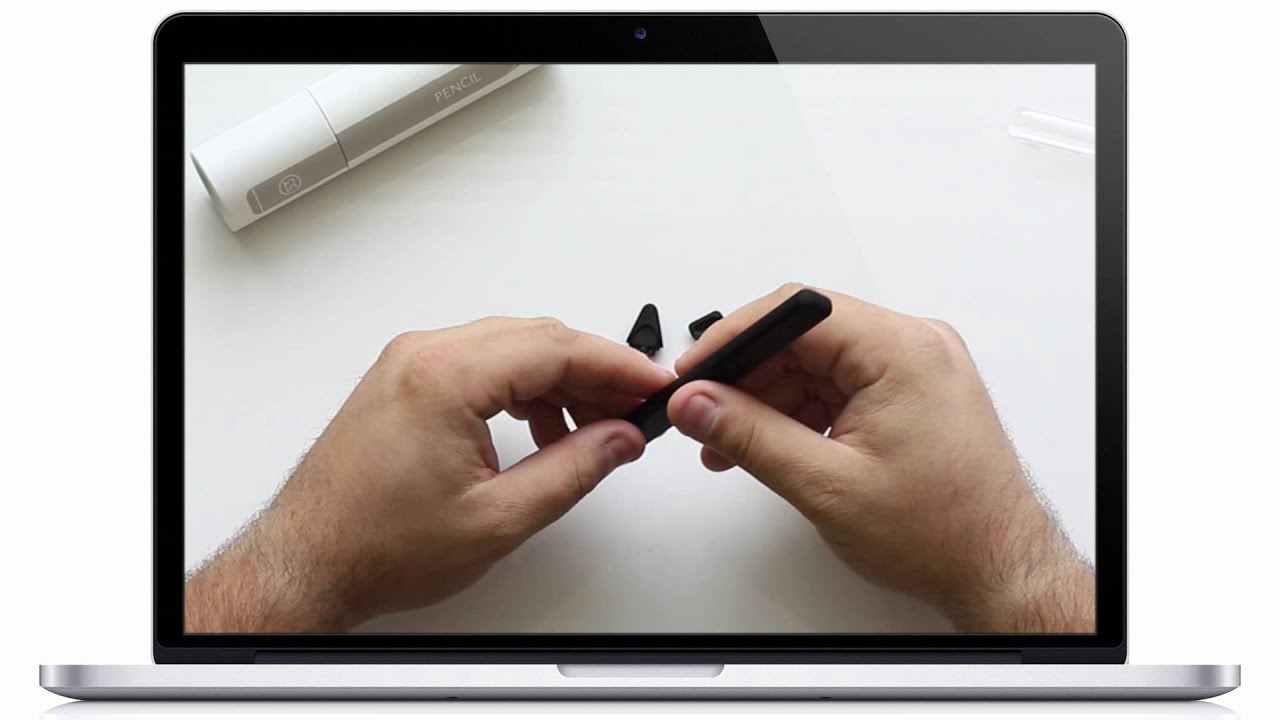
A practical first look at the FiftyThree Pencil stylus, including the packaging, charging design, replaceable tips, Bluetooth pairing, and how it compares with other iPad styluses.
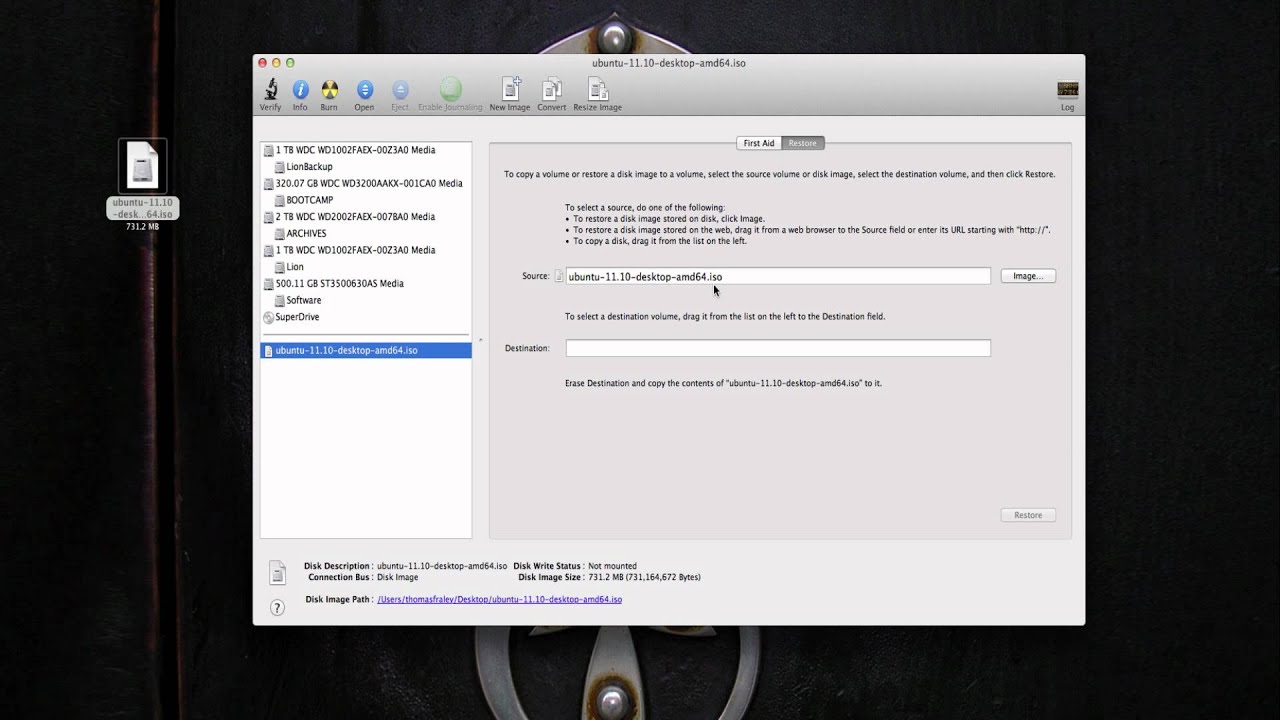
A quick practical walkthrough for burning an ISO image to a disc on a Mac using Disk Utility, including where to add the ISO and when to click Burn.